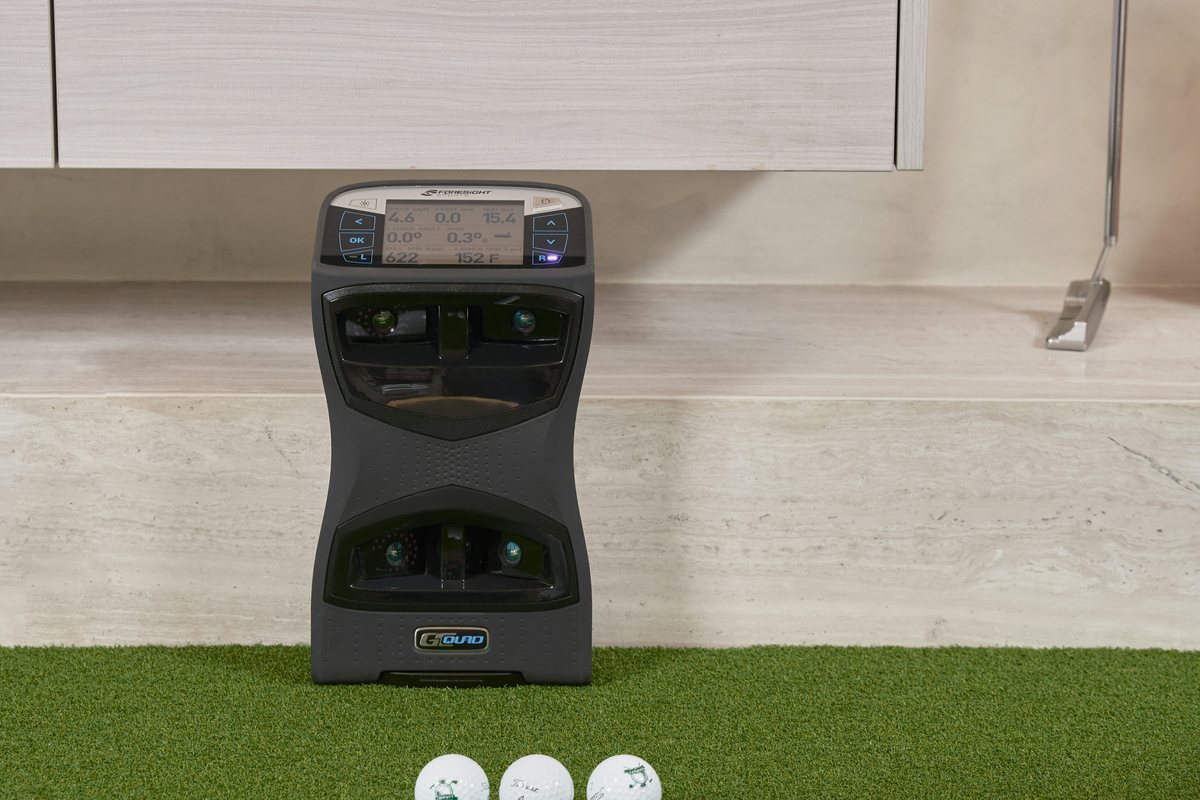
A home golf simulator has six parts: the launch monitor, something to hit into, a surface to hit from, a projector, a computer or tablet to run the software, and the software itself. Packages bundle most of them. Building your own lets you spend where it matters for your room.
The build, step by step
1. Measure the room
Depth, width and ceiling decide everything else. Use our room-size guide before you buy anything.
2. Choose the launch monitor
In a room under about 16 ft deep, choose a camera unit such as the SkyTrak ST MAX or Square Omni. With more depth, radar units like the Mevo Gen2 open up. See our simulator picks.
3. Pick an enclosure or impact screen
An enclosure surrounds the screen with side and top netting to catch mishits; a screen alone works in a wide room with protected walls. Size it to your room's width and height.
4. Add a hitting mat
A good mat protects your joints and gives camera units a consistent surface. Choose one with a realistic turf feel that lets the club slide.
5. Mount the projector
A short-throw projector placed overhead or close to the screen keeps your shadow off the image. Floor projectors are cheaper but can throw a shadow, as some packages note.
6. Add a PC or tablet and software
Most simulator programs run on a Windows PC; some launch monitors run their own software on a tablet or, like the Garmin R50, on a built-in screen. Check which programs your launch monitor supports and whether they charge yearly.
What it costs
| Budget | What you get |
|---|---|
| About $1,500 | A launch monitor under $1,000 with a net and mat for practice; no projector |
| $3,000 to $5,000 | A camera unit with an enclosure, screen, mat and short-throw projector, often as a package |
| $10,000 and up | Premium launch monitor, large enclosure, PC and ceiling-mounted projector |
Or buy a package
Packages from SkyTrak and Full Swing bundle the enclosure, screen, mat and projector with the launch monitor, sized to work together. See our package guide.
Questions
Can I use a net instead of a screen?
Yes, for practice. You'll see your numbers on a phone, tablet or monitor instead of a projected course.
Do I need a gaming PC?
Some simulator programs need a capable graphics card for smooth play. Check the software's requirements before buying a computer.